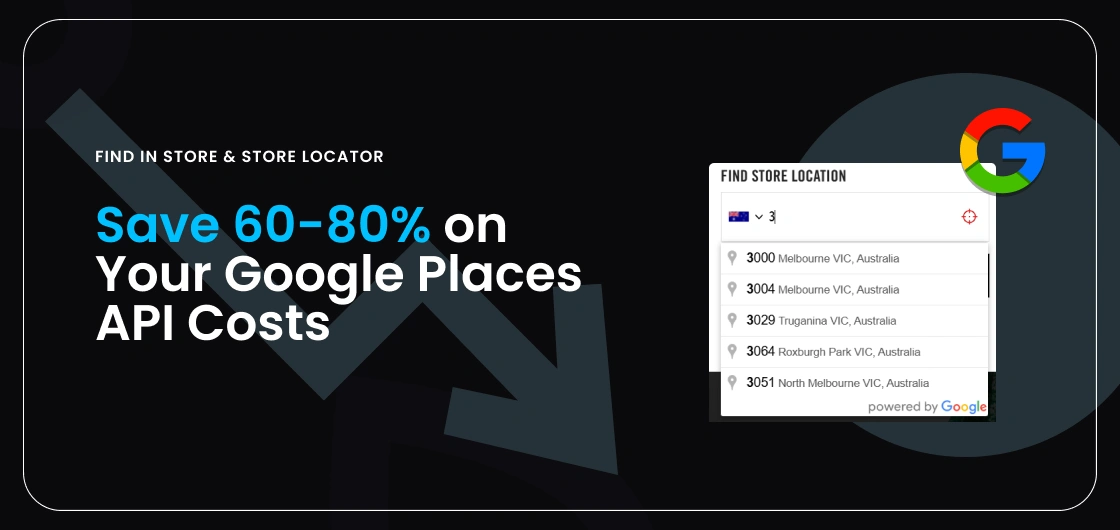


As Google Places API usage costs continue to grow with traffic and search volume, we’ve introduced configuration options that can reduce your Google Places API cost by 60-80% without impacting core functionality. The customer journey remains intuitive, while significantly improving cost efficiency.
In this post, we outline what’s changing, why it matters, and how you can take advantage of these optimisations.
What changes if the Places API is disabled?
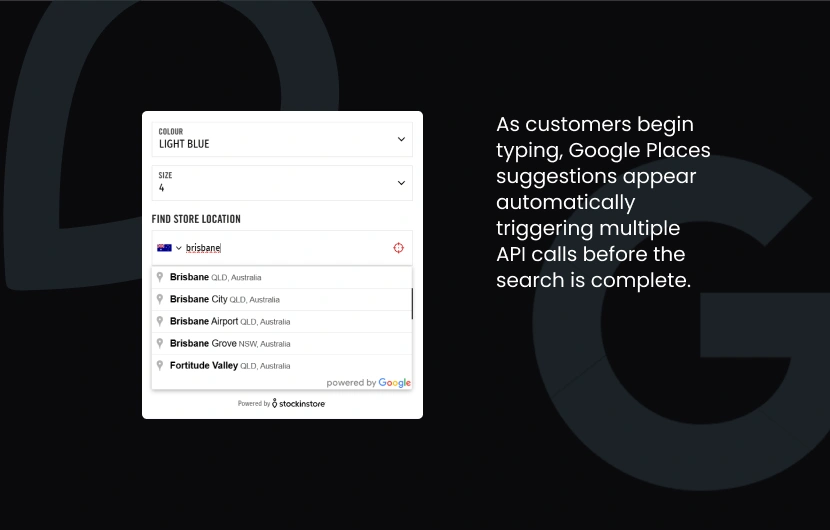
Find in Store (Google Places API enabled)
Suggested location dropdown appears when a customer starts typing into the location search field.
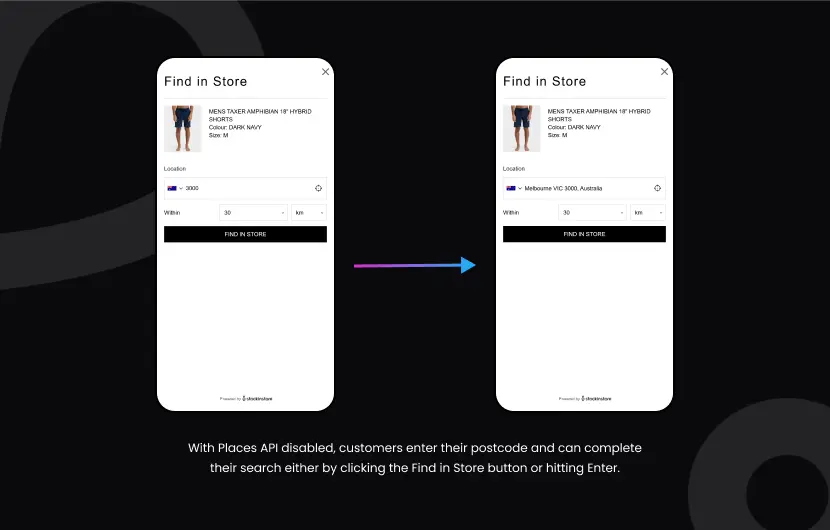
Find in Store (Google Places API disabled)
- Removal of the suggested location drop-down when entering a postcode.
- Postcodes or suburbs are auto matched without a suggestion dropdown
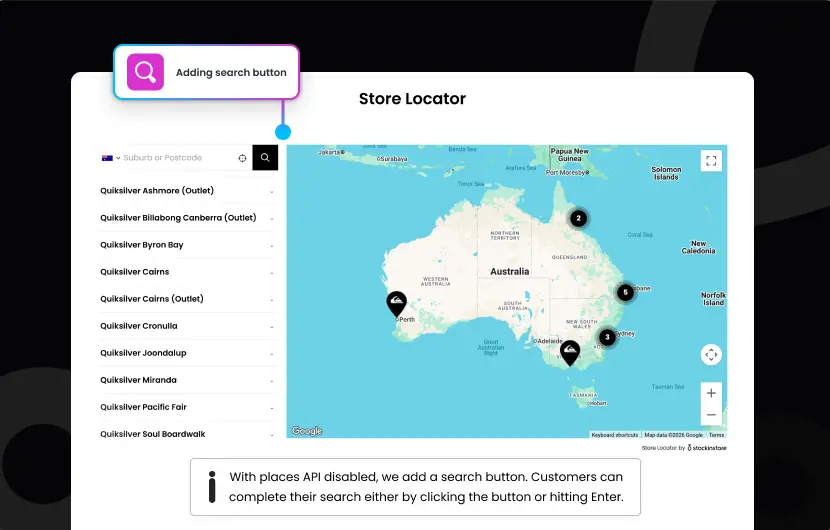
Store Locator (Google Places API disabled)
- Removal of the suggested location drop-down when entering a postcode.
- Postcodes or suburbs are auto matched without a suggestion dropdown.
- Addition of a Search button next to the search field.
Turning Off Google Places API
There is minimal impact on user experience. Customers are already familiar with entering Postdcodes/Zip codes and Suburbs/Cities so the journey remains intuitive, fast and accurate.
The main benefit is cost efficiency. This single change can reduce Google Places API costs by 60–80%, without any measurable drop in engagement or usability.
Low Risk Trial
It’s also low risk and easy to trial. We can turn off the Places API for 1–2 months. During this time you can monitor cost savings and customer feedback, and revert quickly if needed. If you decide to keep the change long-term, disabling the Places API in your Google Console ensures no accidental usage and maximum cost control.
Get Started
If you’d like us to implement this for you just reach out to [email protected] to get started.